

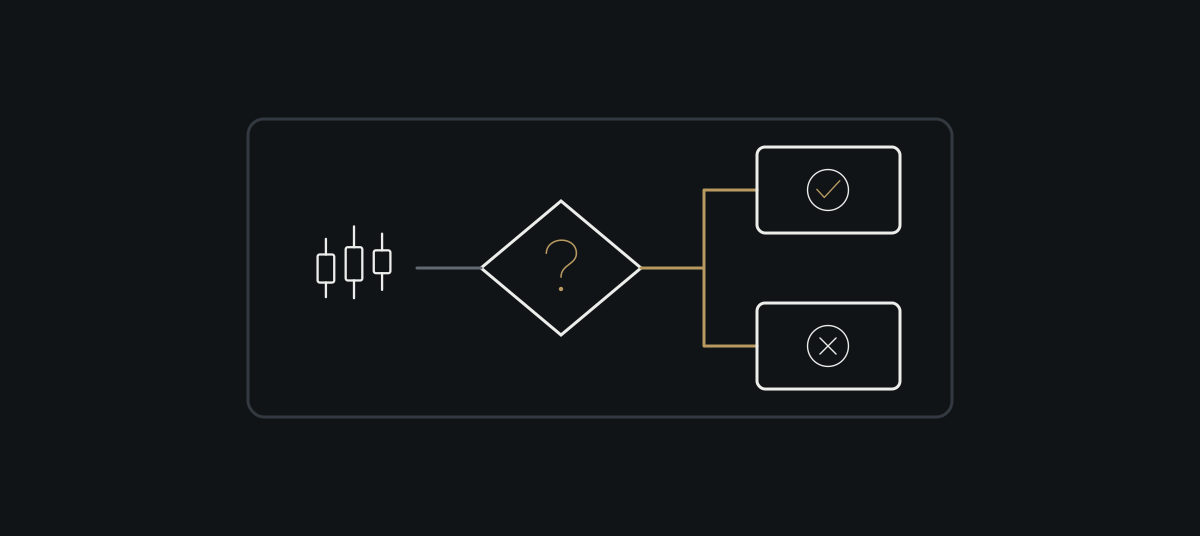
An if-then board can show the branches of a plan that are difficult to follow in one paragraph. Start with one condition, the action your own procedure permits and the point at which the scenario is no longer applicable. Make the branches readable before adding decoration.
Santrade boards store text, shapes, images and visual connectors. The diagram does not monitor a condition or trigger an order. Its job is to preserve the scenario you want to consult and later compare with actual records.
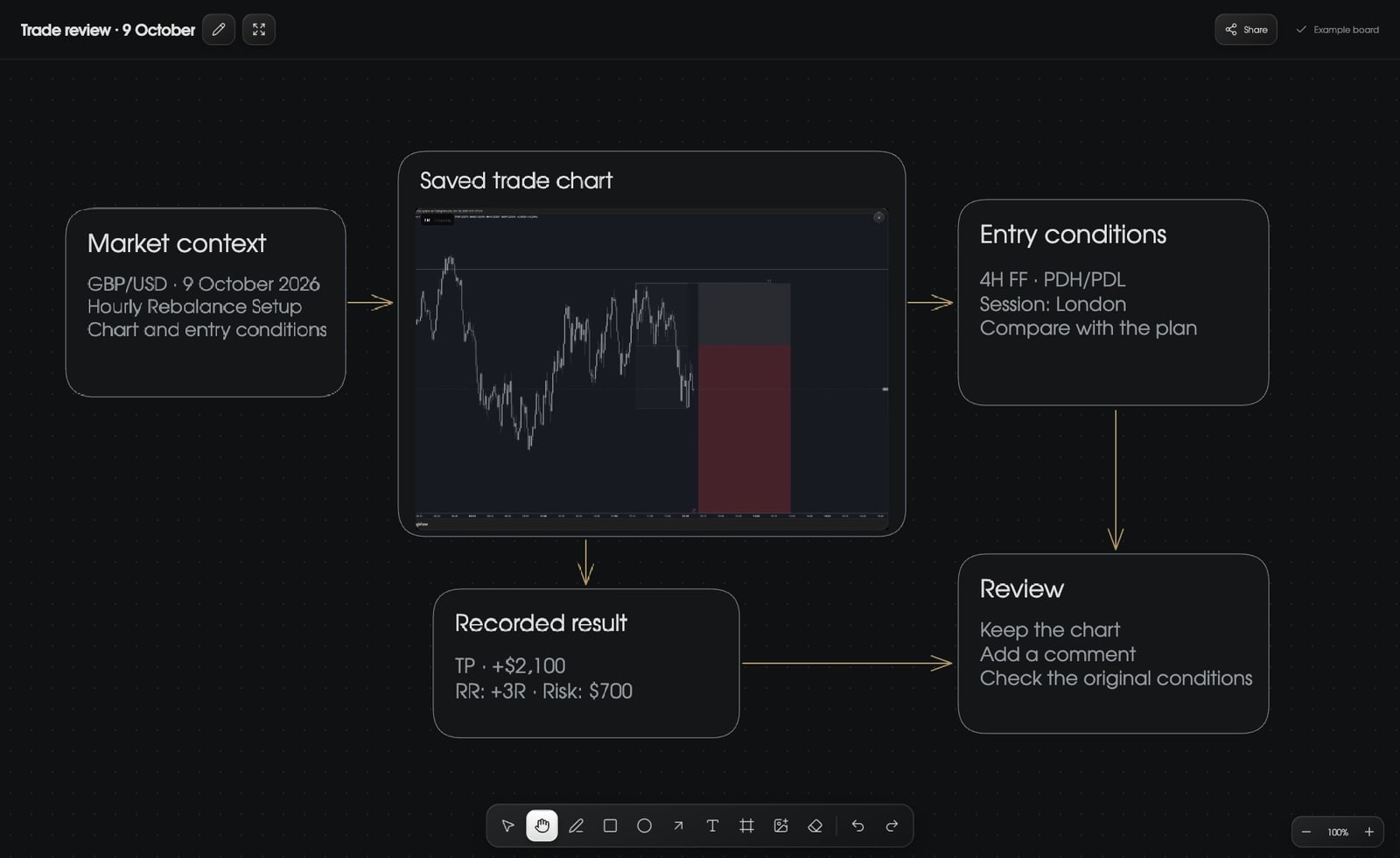
Write the branches in plain language
Choose one part of a plan. A draft branch could read, “If the documented condition is confirmed, follow the action defined in the model. If it is not confirmed, keep the plan unexecuted. If its stated cancellation condition occurs, mark the scenario no longer applicable.”
Replace those generic terms with your own supported definitions. Keep alternatives and exceptions clear enough that the review can identify which branch was relevant. Do not invent an entry rule merely because the completed chart now makes it look obvious.
If a cancellation applies to every branch, show it once in a clearly labelled area and say that it applies to the whole scenario. Otherwise a reader may mistake it for a condition affecting only the nearest arrow.
The plan, open and closed record guide helps retain the financial boundary. An unexecuted board scenario does not become a completed profitable trade because a later move followed its preferred path.
Arrange a simple readable scene
Use text and a few shapes for the conditions and actions, then arrows to show the relationship. The connectors are visual objects. Object hyperlinks, element-link actions and external embeds are disabled; do not design the plan around clicking a shape to open another application.
The Section tool creates named sections. You can select a section and rename it, giving a larger scene recognizable areas such as conditions, branches and review questions. Its name and contained objects are retained in normal saving and templates.
Label branches in words as well as colour so they remain understandable at different scales and paper tones. Shapes organize the conditions; their appearance does not forecast a profit.
Add an image only when it answers a question
A static chart can show the context the condition refers to. Caption when it was captured and which part of the branch it illustrates. A later annotated view should be marked as later, with the original plan preserved where it matters.
For a board built around several views, the multi-timeframe guide helps give each image a role. This remains a saved scene, not a live synchronized chart display or replay.
Selected images can be locked to avoid accidental movement while drawing. That lock is an editing aid, not a privacy restriction. Use the available unlock controls when you need to change the image's position again.
Keep a checklist separate from branching logic
A preparation sequence may be clearer in a Workspace checklist. Use the board where alternate conditions and cancellation need a visual relationship, rather than turning every routine item into another branch.
The board supports selection, drawing, text, shapes, erasing, Undo/Redo and zoom. Those controls help edit the scene; they do not decide whether a trading condition was met. Save your own evidence when the later review needs to establish that fact.
Preserve actual action in the Journal. A diagram can state the intended response, while the trade description and execution source show what occurred. Updating the board later does not recover an old rule version automatically.
Save a private template when the structure repeats
Finish image operations and saving before creating a named template. A personal template is an immutable private snapshot of the saved board. It is not a live document that follows later changes to its source.
Creating a new board from the template gives it an independent copy of the scene. Subsequent changes to either board do not update the template or the other copy. Check the new board's saved content before using it as the next scenario.
A template is also distinct from a public share link or a physical image export. The current board interface does not offer the engine's native scene/image export controls. Use the actual save and template actions for the roles they provide.
Check the plan as a future reader
Open the saved scene and read each branch without relying on memory. Can you identify the condition, permitted action and cancellation? Can you tell which image is original and which explanation was added later?
Use the phone-and-computer workflow before continuing on another device. Enabling sharing creates a separate read-only view, without collaborative editing. Keep actual decisions and outcomes in their own records.