

A useful model document lets you find the condition, intended action and boundary when reviewing an actual entry. Begin with those questions before choosing a layout. A clear heading can help, but the wording still needs to say what the model means in your own records.
Workspace provides the document and supported blocks. You supply the definitions, source examples and assessment limits. The finished material is a reference, not an executable algorithm or an automatic judge of trade quality.
Define the model's working boundary
State which situation the document describes and when it should not be used. Keep the definition applicable to losing and uncertain cases, rather than describing only the attractive version visible after a profit.
A sample opening could read, “This material defines the conditions I intend to check for this model. An unconfirmed condition leaves membership or assessment open.” It sets the document's role without claiming a demonstrated advantage.
The distinction between setups and entry reasons helps keep the full model separate from the shorter conditions selected for one trade. Explain their relationship rather than using every term interchangeably.
Write condition, action and cancellation
Identify what you intend to observe, what action your own procedure permits and what makes the scenario no longer applicable. Include exceptions only where you can explain their boundary. A vague exception can remove the meaning of the main condition.
Use the method for turning a finding into a rule when a broad conclusion needs more precise wording. Keep the observation that suggested it and the question still being checked.
Preserve when a new formulation was introduced. It does not become the requirement old trades are claimed to have followed simply because the current document now contains it. Earlier wording that matters needs to be retained in your own source material.
Use blocks to make the rule findable
The visible Workspace menu supports text, headings, bulleted and numbered lists, checklists, quotes, callout frames, expandable blocks, columns and dividers. Images can be added separately. Choose the structure that makes the condition easy to locate.
A checklist can hold observable steps; an expandable block can hold a longer qualification. A column layout may help compare a definition and its example. These layouts do not verify that a market condition occurred or that a marked task was actually performed.
The current block menu has no native editable table or separate visible Code command. Use its supported structures to arrange the model.
Attach examples with their evidence limits
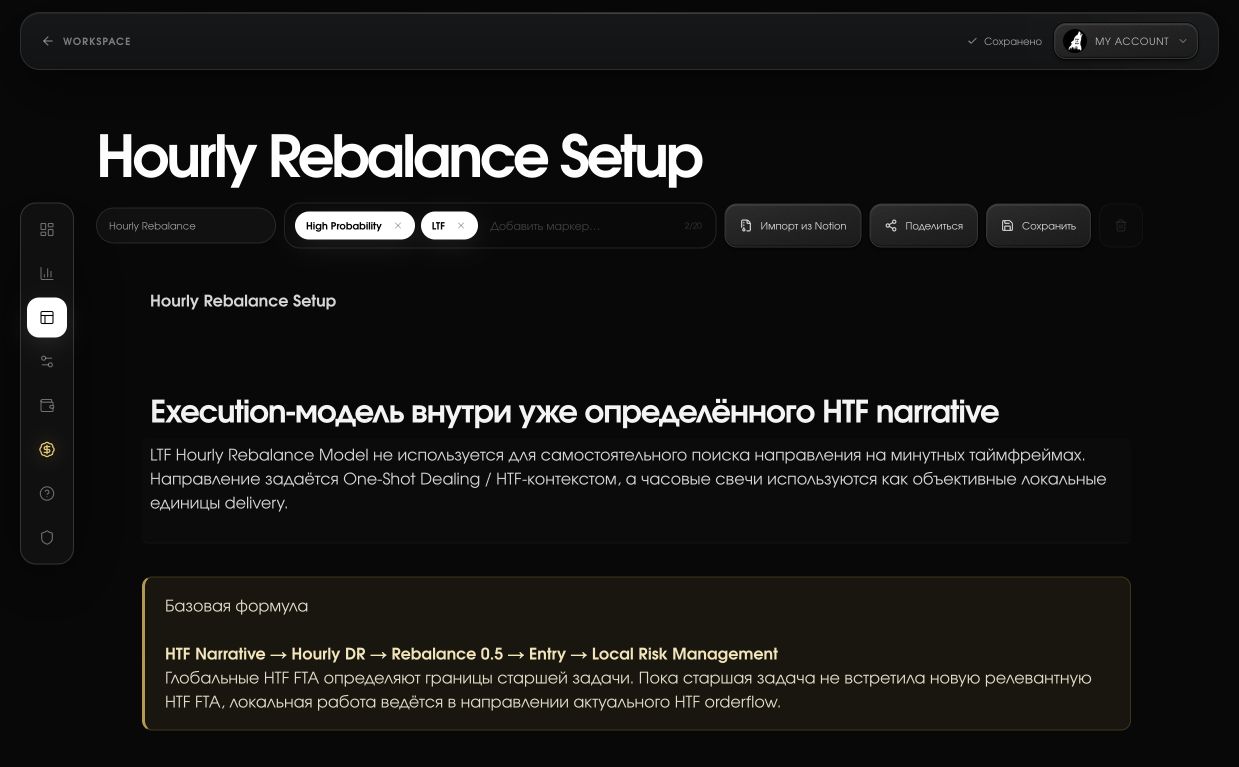
Choose images that explain a condition or boundary. State the instrument, timeframe and capture context where known, and identify annotations made during review. A later image does not reconstruct the earlier decision or provide an original plan that was never saved.
The example-library guide separates selected illustrations from a complete performance sample. Include ordinary and uncertain cases when they clarify the definition. One polished winning chart is not proof of the model's future results.
Keep the condition in words as well as images. A future reader should not need to infer the whole rule from arrows whose meaning was never explained. Reopen the saved material to check that the important chart and caption are available.
Try the document on one known record
Open an actual entry and locate the condition relevant to its decision. Can you explain why it belongs to the model, which action is supported and which part remains unknown? A missing answer identifies a concrete document improvement.
Where the category allows trade linking, connect the material through the relevant field. Check eligibility in the analytical view you intend to use; not every linkable material category is promised in every setup breakdown.
Notes categories have a separate role in rule assessment. A document category, model name or tag does not automatically assign Compliance. The known condition and event evidence still need to support the assessment in the trade record.
Save a version you can use and revise
Wait for saving and image operations to finish, then reopen the document. Confirm that the title, important rules and media match the material you intend to consult. A current editable document is not an automatic archive of every earlier formulation.
Place the document in a working playbook with a recognizable name and category. Keep the reason and timing of later changes where they affect older records. Check that you can still find the applicable condition and its limits.