

Choose an image because it explains a condition, not simply because the completed trade looks clean. A useful setup library shows what the model means, where its boundaries are and which parts of a case remain uncertain. Captions make those roles readable when the chart is no longer familiar.
A collection of examples is a teaching aid. Its selected images do not automatically represent the complete sample from which you could describe the model's recorded performance.
Give the next image one question
Before adding it, name what it needs to show: context for the model, a particular condition, an allowed management case or a boundary where the model cannot be assessed. Keep the question specific enough to choose the useful area and scale.
The trade screenshot guide addresses evidence for one entry. A model library has a different role: several cases may explain one definition, while several images may belong to the same case.
Retain that unit in your captions. Three views of one idea do not become three independent examples of the model, and a well-illustrated profit does not supply missing information about its original plan.
Distinguish the original capture from later markup
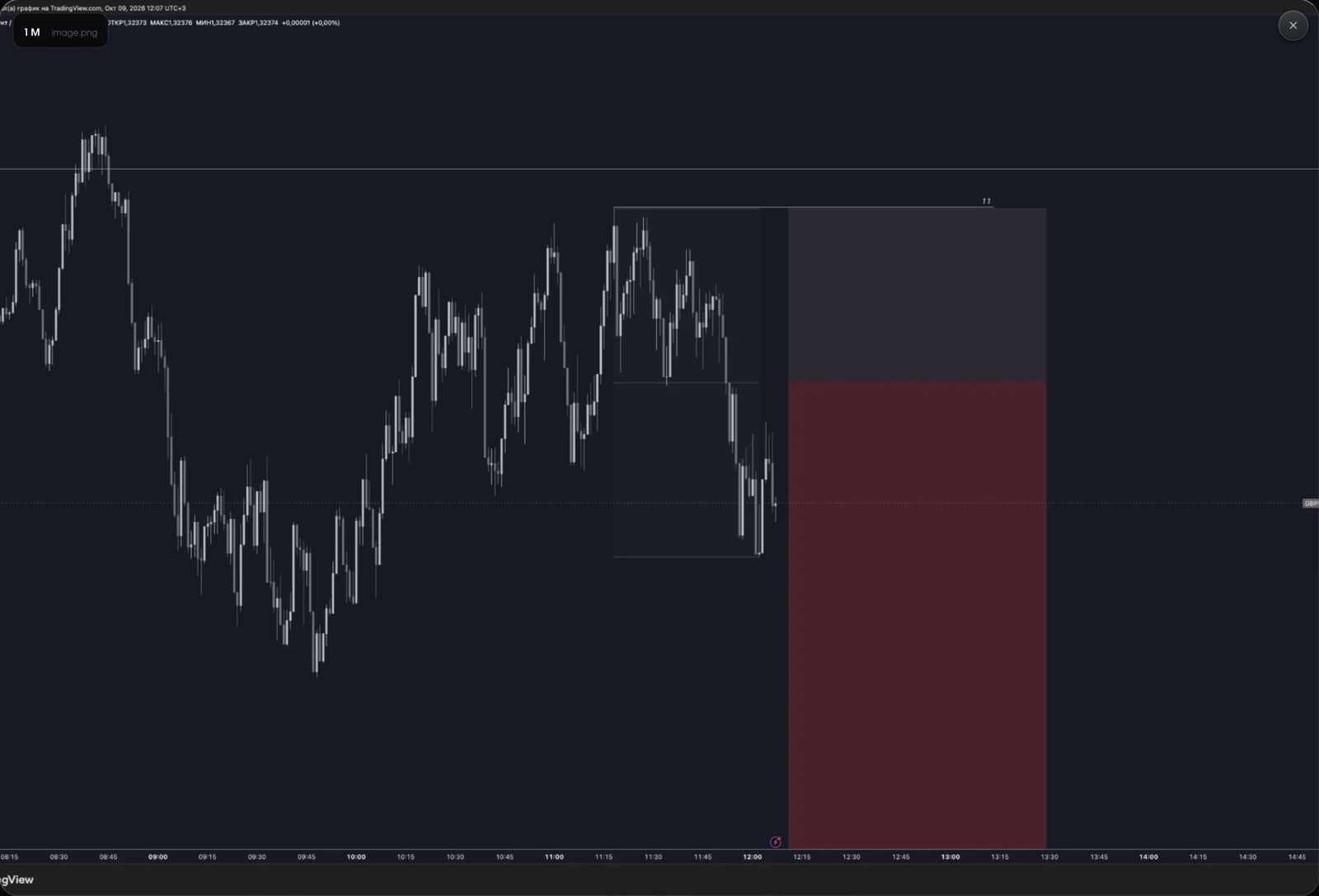
Keep the source and timing clear. State the instrument, timeframe and relevant capture context where known. Identify arrows, text or levels added during a later review rather than implying that every mark existed before the decision.
A sample caption could say, “Context view captured while observing the plan. Entry marker added during review. The final condition was not documented at the time.” Keep the image's supported claim within those limits.
If only a later image exists, say so. It can illustrate a question or model proposal without reconstructing the earlier information or proving that a preferred entry was available.
Include different suitable cases
Use examples from varied outcomes, including ordinary losses and cases where a saved condition was followed. A profitable image alone cannot establish adherence, while a loss need not make the case irrelevant to the model's definition.
Add a boundary case when it helps explain an exclusion or uncertainty. Apply the same definition across outcomes rather than moving every unattractive chart outside the model after seeing its result.
The complete review of a favourite setup is separate from selecting illustrations. Keep its scope and missing-label limitations visible if you discuss performance alongside the library.
Organize the images inside the material
Workspace documents support uploaded images and galleries with captions and reordering. Use the sequence to make the explanation readable: a context view can introduce a detail view, followed by the condition or unresolved question each supports.
For a paired example, state what differs between the images and what stayed the same. Otherwise a reader may compare a context view from one event with an execution view from another without knowing it.
Choose a cover through the image viewer when it helps identify the material in the library. The cover is a navigation aid, not an assessment that the example is the model's best or most representative outcome.
The model document should still state the rule in words. A reader should be able to find the condition without inferring its entire meaning from several arrows on a chart.
Wait for copying and saving to complete
When moving uploaded images between your own Workspace materials, the destination receives separate image copies after the operation succeeds. Keep the source material available during the copy and wait for the destination's saving to finish.
If copying or uploading reports an error, inspect the destination before assuming that it contains the intended file. Reopen the saved material and view the image at a readable size. Text can remain understandable while a missing image leaves its example incomplete.
Copying between your materials is a document operation. It does not import an entire external library, keep it synchronized or automatically collect every chart that matches a model.
Check the explanation before using it elsewhere
Read the caption beside the image and ask which claim it supports. Check whether the source and later annotations remain distinguishable. Also inspect the picture itself for account details or other information you do not intend to disclose when sharing the material.
Connect the useful examples to the working playbook, while retaining their selected role. A public document view does not turn the private source library into a complete performance report.