

Start the playbook with one model and an actual record. Check that you can find its document, understand the relevant condition and follow the link to supporting evidence. Build the category structure around that working path.
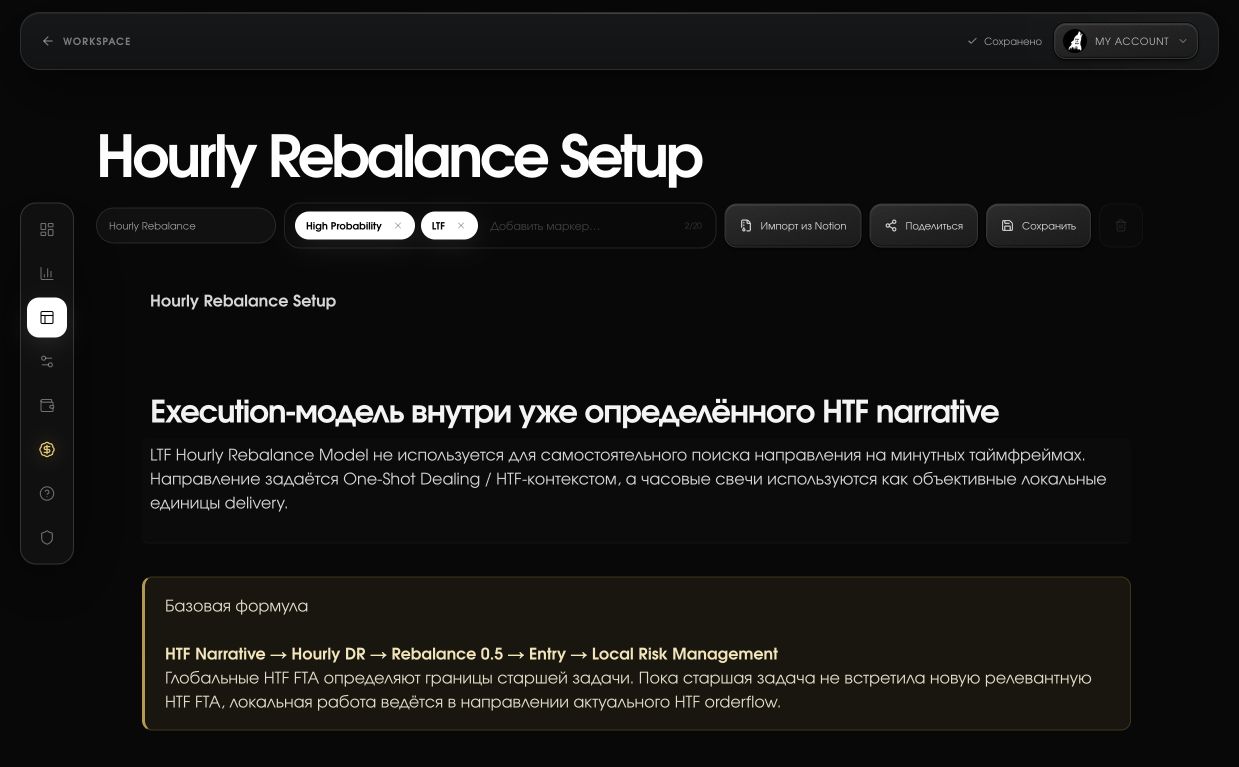
In Santrade, Workspace documents hold model material, Notes hold reusable observations or assessments, and Boards hold visual scenes. Give each a distinct role instead of expecting one label to organize every part of the review.
Create a small library structure
Choose categories that help you find the material you actually use. A working model, an observation still being explored and a general learning source may need different places. The category should clarify the document's role without implying that its claims are already proven.
Workspace provides search and favourites as well as categories. Use recognizable names, types, tags and descriptions so that the material can be found again without remembering its position in the library.
A broader knowledge base can hold learning questions and source notes. Keep the working playbook focused on the models and procedures you want to consult during preparation or review.
Finish one usable model document
Describe the model's conditions, intended actions, cancellation or non-use cases and evidence needed for assessment. Keep your own definitions clear enough to apply to losing and uncertain examples as well as attractive winners.
Use the guide to documenting a model to structure the first document. Add supported blocks and images where they clarify a condition, then check whether the wording is specific enough to use.
Save the material and reopen it. Check that the title, document and important images are present. A selected local file or an unfinished paste is not confirmation that the final saved document contains the intended media.
Give examples a defined role
Add images that explain a condition or boundary, with captions identifying their source, timeframe, capture context and later annotations where relevant. Keep the image's job specific instead of treating every chart as proof of the model.
A setup example library can include ordinary losses, compliant cases and uncertain boundaries. A selected teaching collection is different from the complete history used for performance analysis.
If you copy uploaded images between your own materials, wait for the copy and save to finish before relying on the destination. The original material needs to remain available during the operation. Check the destination image rather than assuming that a visible intermediate preview proves completion.
Link actual records where the category allows
A Workspace category can allow its materials to be selected from trades. Use the relevant Setup field for the model link, and retain entry-specific reasons in their own catalogue. The distinction between setups and entry reasons keeps the playbook from turning into a list of every circumstance of every entry.
Analytical setup options have their own eligibility rules. A category being enabled for trade linking does not guarantee that every analytical view includes it. Check the actual options in the view you intend to use.
Linked ideas can be viewed with the material, while trade editing belongs in the Journal. Read the linked record's date and account as part of the example. Inspect the original record for financial values and event-specific comments rather than trying to make the model document replace the execution history.
Preserve definitions when the library changes
Keep the earlier wording where it matters before revising a model or moving its meaning into a new category. Current edits do not create an automatic archive of every old rule version. State which formulation applies to later records.
Material deletion is blocked while trades remain linked to it. Resolve the relationship deliberately rather than treating removal as a way to erase the associated decisions. Other Workspace objects have their own controls and should not be assumed to share this protection.
Notes assessment categories remain separate from material categories. A folder name or setup label does not assign compliance, and a model's tags are not an automatic strategy-quality rating.
Test the library on a real review task
Open a known record, find its model material and locate the relevant condition and example. Can you explain why the record is linked and which information remains uncertain? A missing answer identifies a concrete library improvement.
Choose the change needed for the next review: rename a material, clarify a condition, add a caption or preserve a source link. The playbook connects definitions with records; its size or appearance cannot supply a ready profitable strategy or establish an edge.