

A screenshot of the final move shows where price went. It may say little about what you saw when you entered or changed the position. Before saving a chart, decide which part of the decision it needs to explain.
Choose images around the decisions you want to review. Context, entry and management can require different views. There is no compulsory set of timeframes or number of screenshots that fits every trading method.
Give each image a job
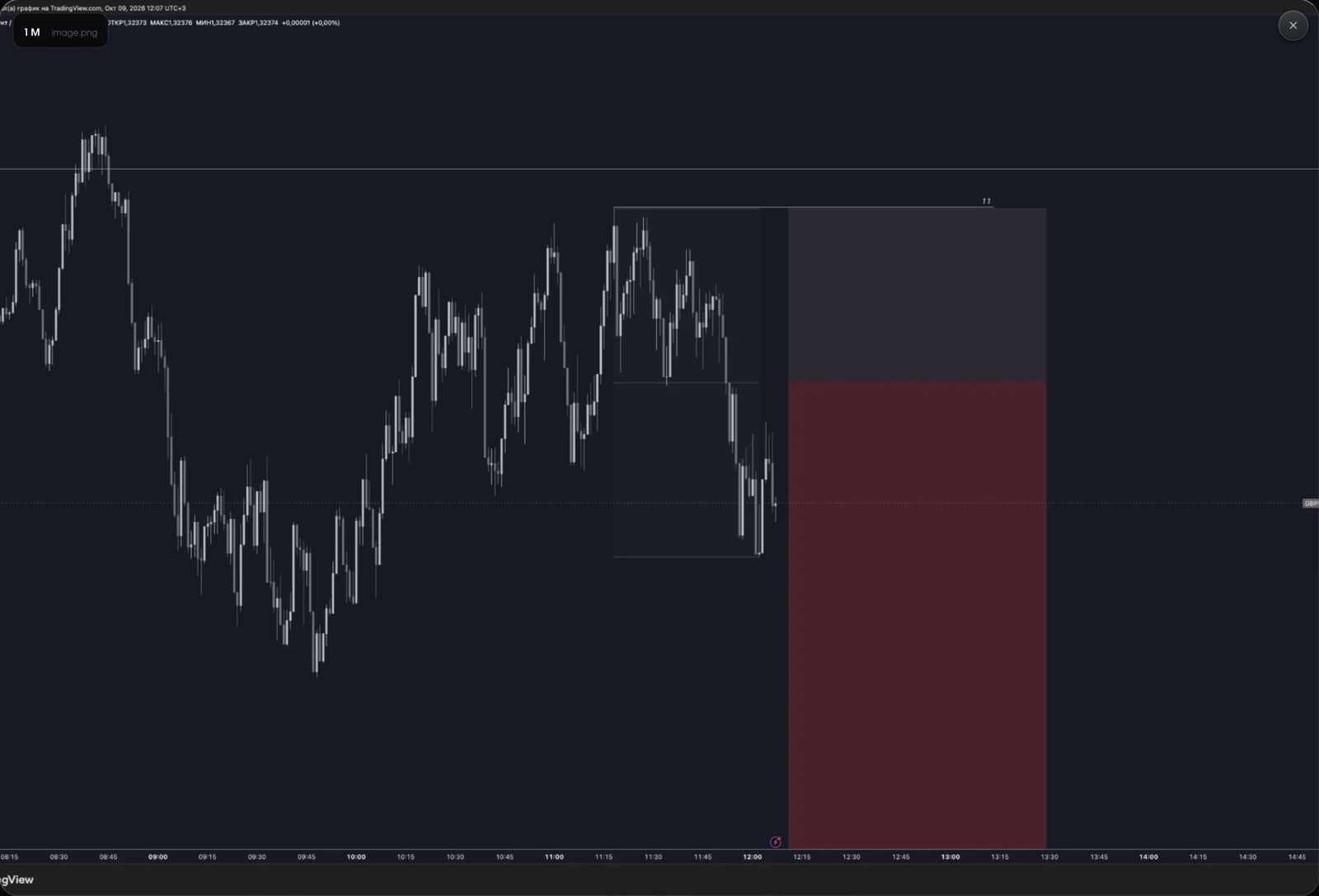
Before saving a chart, finish the sentence, “I will need this image to check…” You might want to see the broader context, confirm which entry condition was visible or understand a management decision. The answer determines the useful area and detail to capture.
A wide chart can establish context but make an execution unreadable. A close crop can show the entry but remove the condition that gave it meaning. If both are relevant, save both and explain the relationship. If a second image adds no information, another copy will only lengthen the next review.
Use the saved view for a comparison of plan and execution. Check whether it answers a question you had before seeing the final result.
Separate context from the moment of entry
A context image can show the situation in which you were considering the trade. Add a short explanation of the condition you were waiting for. The entry image can then show what was present when execution occurred. Keep enough visible detail to identify the instrument, timeframe and relevant area.
Suppose you are reviewing whether an entry occurred before a written checklist was complete. A useful caption would be, “Captured at entry. Final checklist item still pending.” That tells a future reader which claim the image supports. It does not ask the reader to infer the whole decision from a marker on the chart.
If no image was saved at entry, say so. You can create a later explanation, but label it as later analysis rather than giving it the authority of a timely capture.
Record management when it changes the question
Save a management image when it documents a decision you will need to explain: a partial exit, a stop change or another action relevant to your own plan. Describe what happened and which condition you were using. A final chart alone may conceal when the choice was made.
You do not need to create a continuous visual diary for every price movement. Select the moments needed to review the actual decisions. A short comment about the trade can connect the images and identify any missing step.
After the close, an overview can help orient the review. Make its timing explicit, especially if you add arrows or levels once the whole move is visible. Use those captions to check for hindsight in a trade review.
Add supported images to the record
Santrade provides up to ten chart slots in the trade editor. You can upload PNG, JPG or WebP images, paste an image from the clipboard, or use a supported TradingView snapshot link. The snapshot uses TradingView's /x/ format; an ordinary live-chart address is a different kind of link.
Source uploads are limited to 50 MB. Images are optimized, with a limit of 10 MB for the resulting file. Wait for the upload to finish and save the trade. Reopen the record to check that the intended image is attached and readable, particularly after replacing an existing chart.
These attachments are static images. They do not provide automatic capture at entry, a recording of the intervening market or a market replay. Capture the evidence you need while it is available.
Make the labels useful on another day
Chart labels can be edited up to ten characters, so you can use a timeframe or a short purpose such as ENTRY. Those labels are retained for later records. Check them when the purpose of the next image differs from the previous one.
Each chart has its own description of up to 1,000 characters. Use it for the facts specific to that view. A compact caption can state when it was captured, which condition matters and whether the annotations were added later. The general description can then summarize the trade without repeating every image caption.
For material intended to explain a recurring model, build a separate library of setup examples. A trade attachment explains this event; a model library can bring several selected examples together with their limitations.
Check the finished view before sharing
Open the saved image at a readable size. Confirm that text, scales and marked areas still make sense after optimization. A chart that was legible on a large screen may need a clearer crop for later viewing on a phone.
Check the image itself for account details, balances or other information you do not intend to disclose. Attached charts and comments can be included in a public trade view. Read both the picture and its caption before sharing.