

Before deleting an import, check whether the problem is the reporting window, an account setting, incomplete position history or an actual mismatch. Full removal affects the linked trade history and its additions.
A deleted individual entry and a deleted import batch also have different recovery paths. A supported report may supply missing execution facts again, but it does not contain the personal comments or uploaded images you added in Santrade.
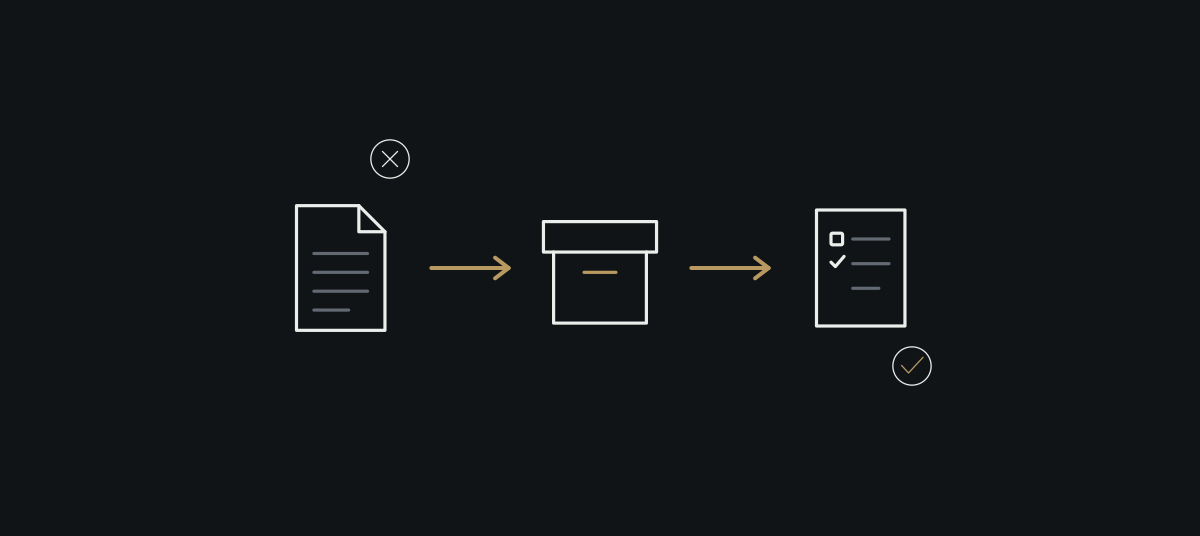
Locate the discrepancy before choosing an action
Compare a known case with the original report. Check the account, platform, dates, opening basis and historical prop phases. A correct record outside the current filter may only need a different view; a wrong opening assumption needs a factual account correction.
Read any conflict message. A changed imported position is not automatically overwritten, and creating another account just to force the file through would obscure the source issue. The balance reconciliation guide can help separate money questions from missing records.
For example, if you deleted one trade yourself but the matching import history survives, you may only need a checked re-upload. Removing the entire batch first would introduce a different and wider operation.
Preserve the personal material you still need
Before full deletion, read the linked records and preserve necessary comments and original images through the sources available to you. Note the account, reporting window and grouping that you will need to check again.
A Journal CSV export can retain its supported columns. It does not include the complete set of charts, full reusable Notes descriptions or all Workspace content, so it is not a full restoration backup.
Be specific about what remains outside the source HTML. An image or an exit explanation added after import will need its own retained copy if you want to recreate that context later.
Read both full-deletion confirmations
Open the import history for the selected account and find the intended file. Its trash action uses two confirmations. Read the named file and the stated consequences at both steps, then continue only if they match the operation you intend.
Deletion removes the report's linked trades and personal additions, execution links, charts and cash operations created by the import. Trades shared across several reports and MT5 positions that were completed by a later report can be removed in full. This deletion cannot be undone.
Records created manually from scratch are retained. Reusable Notes cards and Workspace materials are separate objects, but links from a deleted trade do not preserve that trade's own context. The consequence is broader than removing only untouched rows newly added by one file.
Treat this as full removal of linked imported history, including records you have edited. Check the named file and affected records against your preserved material before confirming the operation.
Confirm the outcome after a connection problem
Wait for the deletion result and refresh the affected history. If the connection breaks, the application checks the deletion receipt and may report uncertainty while it reconnects. A disappearing dialog alone is not proof of completion.
Follow the displayed retry or recovery state and inspect the account again. Establish whether the original import still exists before making another decision about its records. Keep the factual outcome separate from what you expected the request to do.
A sample note could read: "Deletion result confirmed; the affected history has been refreshed. Personal images are retained separately for the records that will be added again."
Re-upload facts with the correct expectation
Choose the original complete supported report, account and platform, then inspect the new preview. Check dates, grouping, existing matches and money again. The repeat-import guide explains the relevant states.
A restoration label depends on a surviving active matching import-history entry. If the relevant history has been fully removed, a later upload may instead be an ordinary new import. The label is not guaranteed merely because the file was used before.
Either path can supply only facts present in the report. Removed manual descriptions, annotations and uploaded charts are not reconstructed from HTML. Recreate personal context only from material you actually retained.
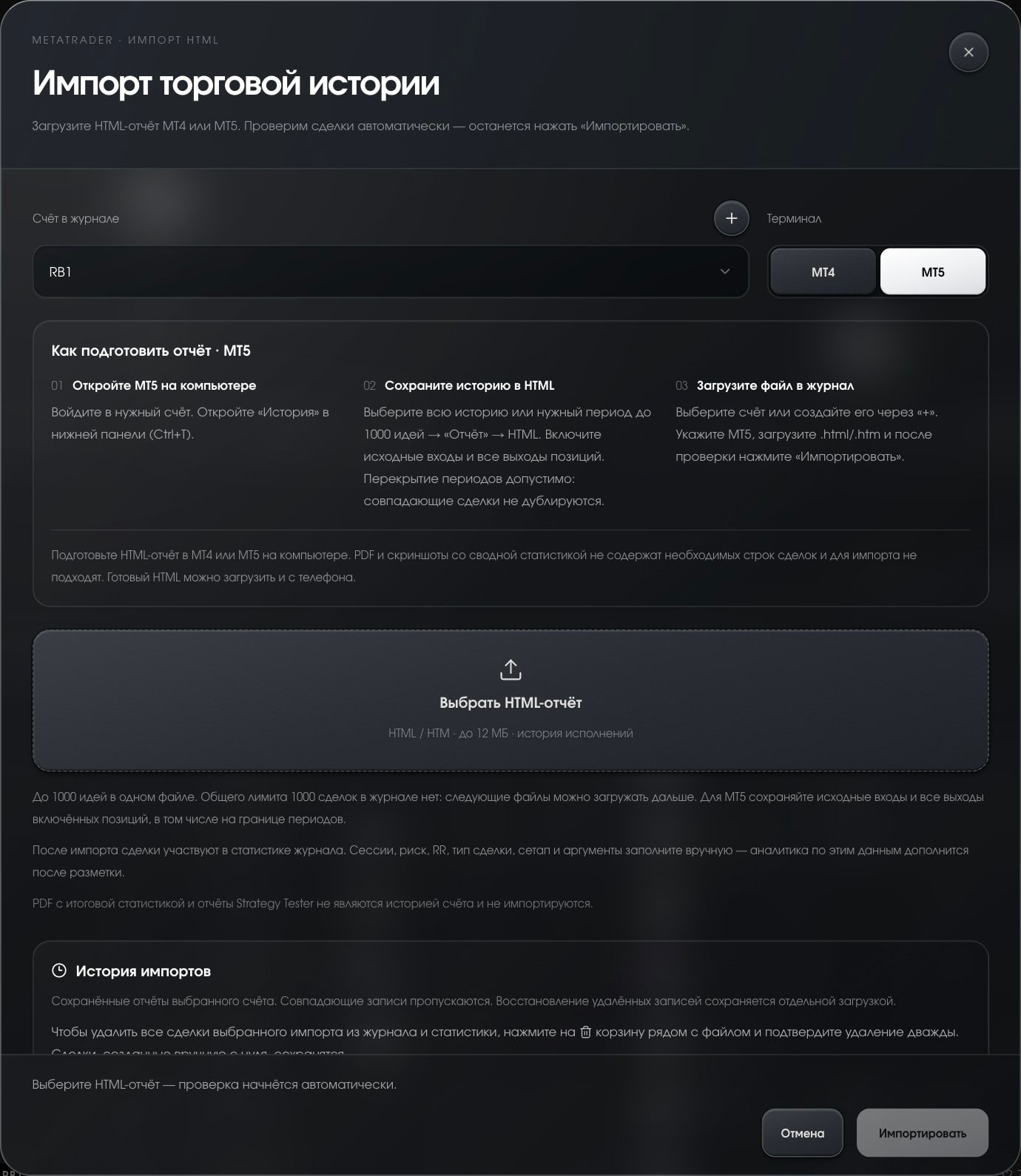
Check the new history before resuming review
Open a known resulting record and compare its account, date and financial facts with the source. Check what was added and what still exists from other history. Where the source is incomplete, retain the specific question instead of filling a gap with a guessed value.
Use post-import additions for the remaining context. A successful re-upload establishes the saved factual history; it does not certify that every former image or explanation has returned.