

Read the preview to see what another upload would add or confirm. Distinguish new records from unchanged matches and conflicts with existing imports. Repeating a file does not create a new trading event.
Santrade uses reported identities to recognize supported imported positions and cash operations. Before saving, read the preview in the context of the same trading account and source. A repeated filename alone is not the identity check.
Start with the source and account
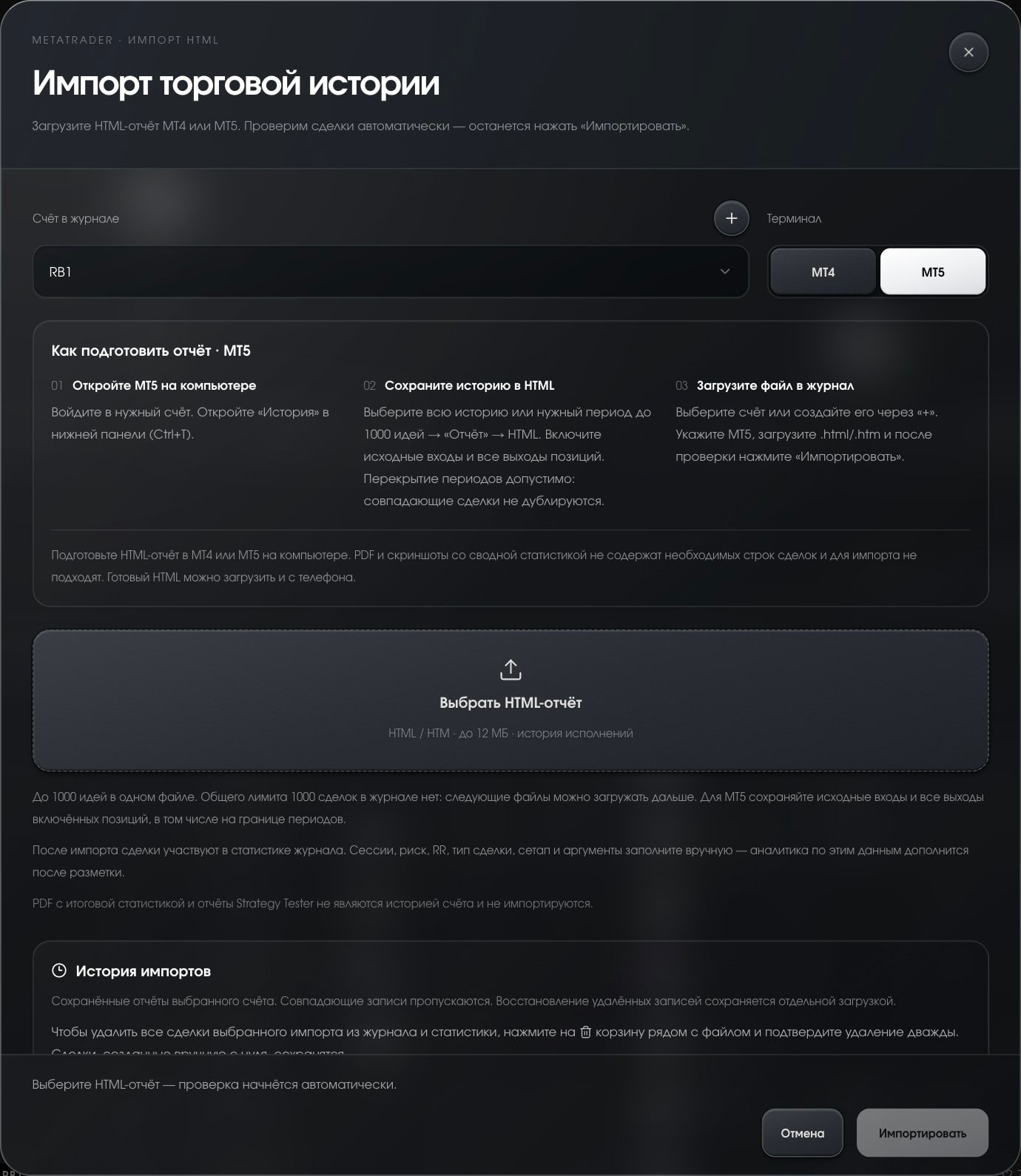
Choose the journal account linked to the report and the correct MT4 or MT5 option. Check the terminal account and period. For MT5, include the original entries and relevant exits of the positions in the file.
Suitable reports may overlap. You do not need to trim every later file down to an isolated slice of new rows. The after-session routine explains how that can support regular updates.
Keep the reporting window broad enough to preserve complete positions while respecting per-upload limits. An incomplete source and an unchanged complete report are different inputs, even when they cover some of the same dates.
Interpret the preview states separately
New records contain facts not already represented in the matching imported history. Unchanged matches are recognized and skipped. A conflict indicates a difference that requires inspection.
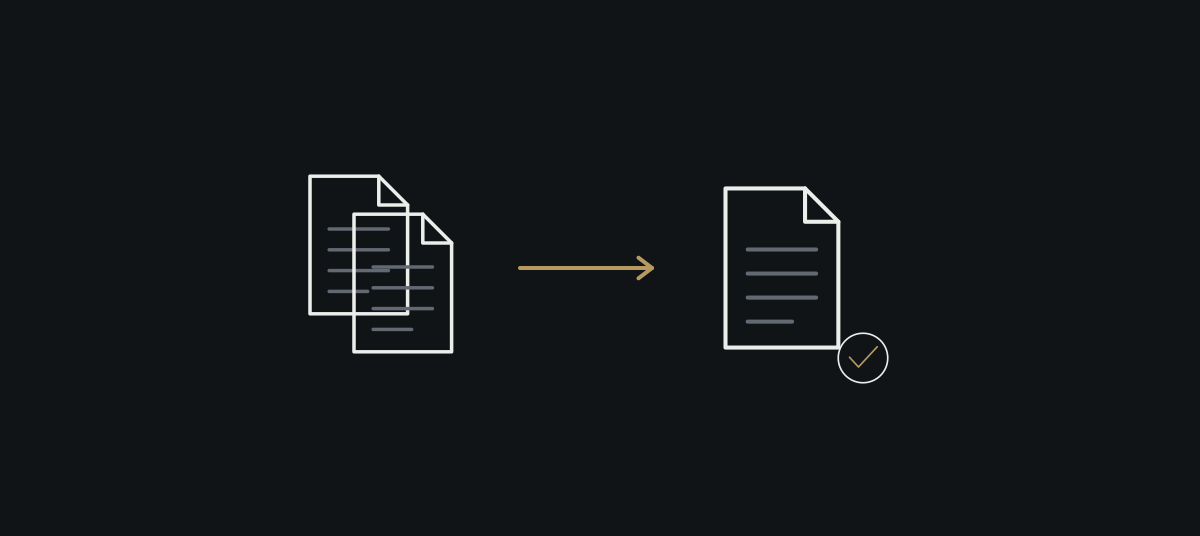
Suppose the first report contains three closed positions and a later complete report contains those same three plus a fourth. If the original three still match, the update can skip them and add the fourth. Four source positions should not become seven journal records.
Matching depends on the file's contents and source identities. Modified reports must pass the checks too; do not assume that every changed report will match automatically. Read the displayed counts and issues before you proceed.
Treat a conflict as a source question
If an already imported position differs, Santrade stops automatic replacement so that you can inspect the discrepancy. Check which field changed and whether the source is complete, current and associated with the intended account.
For example, an older file may describe a position as still open after a newer report has established its closure. A fresh cumulative report is a more useful next source than trying to force that earlier state over the later history.
Keep your existing annotations while you investigate. A normal unchanged match is skipped; a conflict is not permission to overwrite the explanation or alter correct financial figures merely to get past a check.
Make grouping choices before saving new positions
In the MT5 preview, new positions of the same instrument and direction can be assigned to an idea together. Choose that classification deliberately. The hedging, netting and ideas guide explains the underlying units.
A new position and an already imported position cannot be placed into a newly combined group through this action. This step groups eligible new positions only; it does not merge existing imported records.
Check the group assignments with the counts. More execution rows can belong to one reconstructed position, and several newly grouped positions can describe one idea. Those are different reasons for totals to look different.
Understand the condition for a restoration label
A deleted imported entry can sometimes be supplied again from the same complete report while a matching active import-history entry still survives. In that case, the result can identify the operation as a restoration.
If the relevant import history has been fully removed, that prerequisite may no longer exist. Re-uploading can instead be treated as a new import. Do not expect a restoration label merely because you recognize the file or remember importing it before.
In either case, the source can only provide its report facts. Deleted personal comments, linked annotations and uploaded charts are not recreated from HTML. The deletion and recovery guide describes those limits and the consequences of full removal.
Check the saved result and remaining work
After saving, inspect the created, matching or restored result and reopen a known record. Confirm that existing manual context remains where expected and that new facts have the right account and dates.
A sample completion note could read: "The report matched the existing three positions and added one. Grouping and cash checks are complete; the new record still needs its session and exit explanation."
Use the missing-details workflow for those additions. Duplicate detection establishes the relationship between stored facts and the new file; it does not assess the quality of a trading decision.