

Choose the specific object you want another person to read: a trade, a Workspace material or a board. Inspect its saved content before enabling its link. Sharing one object is different from opening the whole private journal or inviting someone to edit your account.
Read-only access limits what the recipient can change in the app. It does not prevent that person from saving an image, taking a screenshot or retaining content that has already been downloaded.
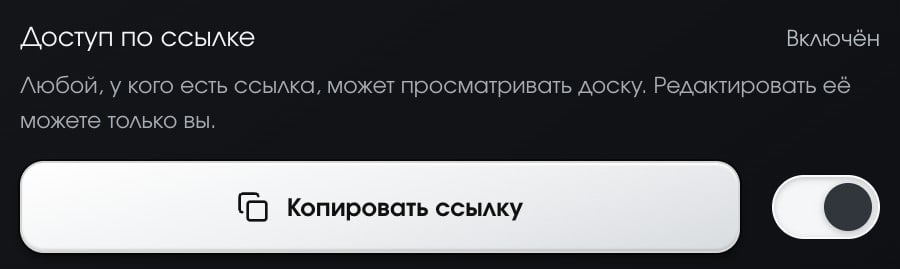
Check the content before enabling access
Read the text, charts, captions and branding that will be visible. For a trade, inspect attached Notes context and account information where present. A short public card can still disclose something you did not intend to include.
The screenshot guide helps with image context. Check the picture itself for personal details; changing a caption does not remove information already visible inside an image.
A private reference and text copied from that reference have different boundaries. In a public Workspace document, private reference cards become a placeholder. A paragraph or image you copied into the shared document remains part of that document's visible content.
Finish the saved version you intend to share
Wait for uploads and saving before relying on the public view. For boards, activation first completes pending saving; unfinished image insertion or a failed save prevents activation. Resolve the error rather than assuming the public link represents the latest local edit.
A saved public document or board view is not an immutable file archive. Subsequent saved Workspace changes can appear through the same active link, and a board exposes its saved scene. A recipient reopening the link may therefore see a later saved version.
If you only need a static image, a Dashboard or Calendar snapshot has a different role. The image does not update with the journal and cannot be withdrawn by disabling a separate page link.
Open your own public link as a check
Copy the supported link and inspect the external view. Verify that it shows the intended object and that its text and images are readable. Do not assume the private editor and public presentation expose every detail in the same way.
A shared trade can include its supported context and imported expense summary, while raw broker execution lists remain private. A public board provides viewing and zoom without the owner's editing tools. None of these links gives collaborative editing of the original.
The Notion transfer guide is relevant if the material was imported: review its actual destination content rather than assuming that the original page's permissions or private references migrated with it.
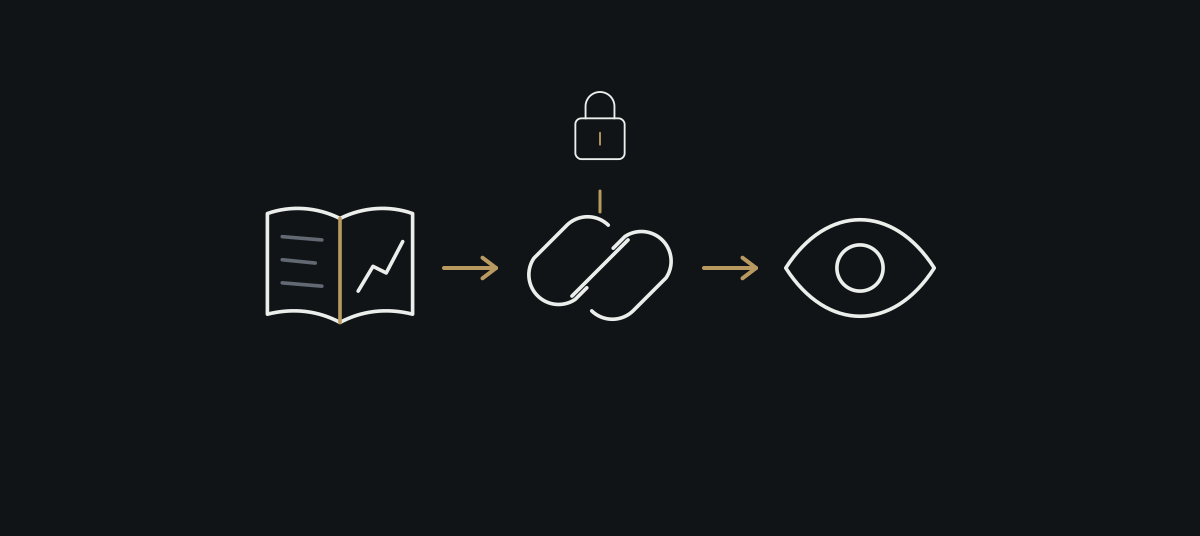
Treat a link as access, not a viewer list
Access is enabled or disabled by link. The controls do not require an email viewer list or password, or set a fixed expiry for the main public link. A named address is not a password.
Share only material appropriate for that access. A page's absence from search results does not restrict who can open a working link. Inspect the visible content rather than using that absence as evidence that the page is private.
Understand what disabling a link closes
Disabling access blocks further use of the main public link. Content a viewer already saved cannot be recalled. A static file sent elsewhere also remains outside that link's control.
Uploaded trade media can use signed image URLs already issued to the viewer. Those may remain usable for up to 15 minutes from issuance, even after the main trade link is disabled. This is a media-URL limit, not the lifetime of the main page link or a new 15-minute period beginning at revocation.
For boards, further image requests are checked against current access. That still does not remove image bytes or screenshots already received. Keep the distinction between stopping new access and deleting a copy held by someone else.
Remember the board's stable named address
A board's named public address retains its original name and code when you rename the display title. Turning access off and on again does not generate a new named address. Previous recipients can use that address again once access is enabled.
Do not treat re-enabling as a way to rotate the public address or forget its earlier audience. The board-across-devices guide separates your private editing and local drafts from that public view.
A local recovery copy is not what viewers receive, and enabling sharing is not a way to synchronize unsaved work between your devices. The cloud scene needs its own successful save.
Keep the scope understandable afterward
Note what you shared and why access remains enabled. Recheck the public view after materially changing the saved text or images. These controls do not provide a complete viewer log, prevent copying or remove content someone has already retained.