

Test a trading-journal format with a record you understand. Work through entering it, keeping its supporting material and finding it during a later review. You can then compare how each format handles the tasks you actually need.
Excel, Notion and a dedicated journal each invite different decisions about how you organize the work. Begin with your requirements, including the maintenance you are prepared to do. The format you use does not establish your seriousness or the quality of your trading.

Write a short requirements list
Name the operations you need: recording execution facts, attaching relevant images, separating accounts, finding a setup and checking a result. Include the device you normally use and the information you need to retain outside the application.
Make each requirement testable. "Flexible" is difficult to assess; "I can find every record with a missing session label" is a specific task. Pick a few requirements you actually expect to use rather than making every possible feature essential.
The overview of Santrade can help you identify which operations are already connected there. Keep the comparison tied to those operations throughout your trial.
Try the spreadsheet work yourself
If you choose an Excel-based approach, decide on the columns and calculations you want to maintain. Excel supports formulas for arithmetic, but a trading calculation still needs a definition, appropriate inputs and a check against known values.
For example, take a cash result of $100 and known risk of $50. The signed result is +2R. Check how your chosen layout handles the same calculation when risk is missing. Treating the missing input as zero or silently dropping the row would change the question being answered.
Also test the less visible work: correcting a record, keeping references to images and distinguishing deposits from trading P&L. The usefulness of your particular sheet depends on how you implement these requirements.
Try the document-led workflow
If you are considering Notion, test how you want a model description, examples and individual decisions to relate. Use the actual structure you would build. A tidy demonstration page may leave unanswered how you will find a particular execution later.
For a document-heavy routine, ask whether the written explanation is easy to reuse and whether each example retains its source and date. For repeated financial review, ask how the underlying numbers and definitions will be checked.
Avoid assuming that a page design automatically provides every calculation or import you need. Product plans and integrations can change, so verify the specific capability in the current product before relying on it.
Test the connected journal workflow
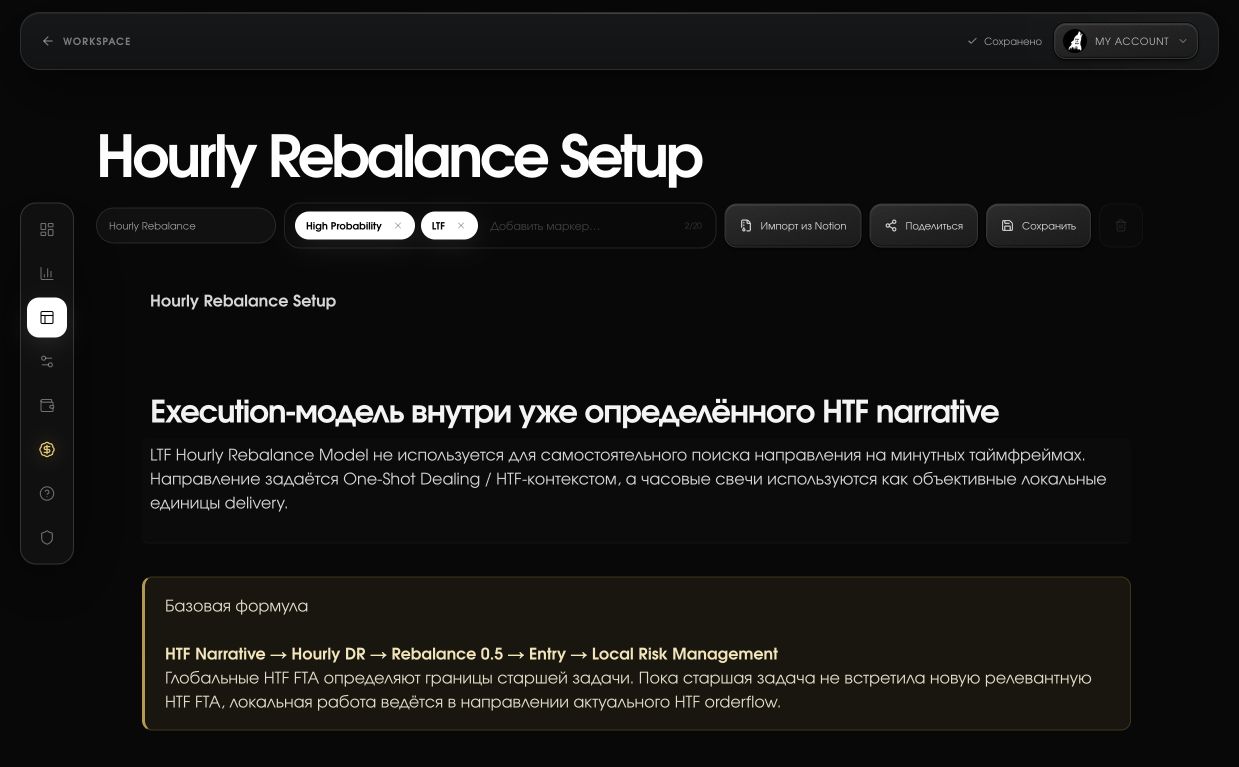
Santrade combines trade fields, account histories, filters, calculations and Workspace materials. Supported MT4/MT5 HTML reports can be imported, then supplemented with your own context. Manual entry is available for records you add yourself.
Use the same test record here. Check its account, known risk and result, add a short comment and find it again through a relevant filter. Then open the associated Workspace document if a link to the model is part of your requirements.
A dedicated format comes with its own definitions. Read how a metric treats unknown values and grouped ideas rather than assuming every tool uses your spreadsheet formula. Agreement on an easy example is a starting check, not proof that all cases match.
Check what can actually move
Santrade's Journal CSV export covers the filtered records, while the analytics export contains the selected aggregated rows. These files do not contain all images, full Workspace documents or every component of the account history.
There is also Notion HTML/ZIP import into a Workspace document. It transfers supported content from the selected HTML; it is a file-based operation rather than ongoing synchronization or a complete migration of every database and permission.
Keep your original material until you have checked the transfer. A CSV extension alone does not mean a file can be imported back into Santrade. A useful export and a complete restorable backup are separate requirements to investigate.
Compare the whole routine
Repeat a small sequence in each format you are seriously considering: add, correct, find, review and retain the material. Note where you must copy information twice or remember a maintenance step. Those are concrete costs in your own procedure.
Include an awkward case, such as an unknown risk value or an image added later. It will show how clearly your structure preserves uncertainty. The fields worth recording provide a common basis for the exercise.
Choose a format you can keep using for the work you need. You may keep reference material in one place and trade records in another, provided the connection and current version are clear.